AI Runway AKS Setup
Airunway aks setup
Set up AI Runway on AKS — from bare cluster to running model. Covers cluster verification, controller install, GPU assessment, provider setup, and first deployment.
---
name: airunway-aks-setup
description: "Set up AI Runway on AKS — from bare cluster to running model. Covers cluster verification, controller install, GPU assessment, provider setup, and first deployment. WHEN: \"setup AI Runway\", \"onboard AKS cluster\", \"install AI Runway\", \"airunway setup\", \"deploy model to AKS\", \"GPU inference on AKS\", \"KAITO setup on AKS\", \"run LLM on AKS\", \"vLLM on AKS\", \"set up model serving on AKS\", \"AI Runway controller\"."
license: MIT
metadata:
  author: Microsoft
  version: "1.1.1"
argument-hint: "[skip-to-step N]"
---

# AI Runway AKS Setup

This skill walks users from a bare Kubernetes cluster to a running AI model deployment. Follow each step in sequence unless the user provides `skip-to-step N` to resume from a specific phase.

> **Cost awareness:** GPU node pools incur significant compute charges (A100-80GB can cost $3–5+/hr). Confirm the user understands cost implications before provisioning GPU resources.

## Prerequisites
Overview
This skill walks users from a bare Kubernetes cluster to a running AI model deployment. Follow each step in sequence unless the user provides skip-to-step N to resume from a specific phase.
Manual install (npx, ZIP)
npx skills add microsoft/azure-skills --skill airunway-aks-setup -g -a claude-codenpx degit microsoft/azure-skills/skills/airunway-aks-setup#main ~/.claude/skills/airunway-aks-setupConnects with Agent Alley MCP · agentalley.io/mcp
Files included
SKILL.md4.0 KB
Read SKILL.md here
Show the full text74 lines
AI Runway AKS Setup
This skill walks users from a bare Kubernetes cluster to a running AI model deployment. Follow each step in sequence unless the user provides skip-to-step N to resume from a specific phase.
Cost awareness: GPU node pools incur significant compute charges (A100-80GB can cost $3–5+/hr). Confirm the user understands cost implications before provisioning GPU resources.
Prerequisites
This skill assumes an AKS cluster already exists. If the user does not have a cluster, hand off to the azure-kubernetes skill first to provision one (with a GPU node pool unless CPU-only inference is acceptable), then return here.
Quick Reference
| Property | Value |
|---|---|
| Best for | End-to-end AI Runway onboarding on AKS |
| CLI tools | kubectl, make, curl |
| MCP tools | None |
| Related skills | azure-kubernetes (cluster setup), azure-diagnostics (troubleshooting) |
When to Use This Skill
Use this skill when the user wants to:
- Set up AI Runway on an existing AKS cluster from scratch
- Install the AI Runway controller and CRDs
- Assess GPU hardware compatibility for model deployment
- Choose and install an inference provider (KAITO, Dynamo, KubeRay)
- Deploy their first AI model to AKS via AI Runway
- Resume a partially-complete AI Runway setup from a specific step
MCP Tools
This skill uses no MCP tools. All cluster operations are performed directly via kubectl and make.
Rules
- Execute steps in sequence — load the reference for each step as you reach it
- Report cluster state at each step: ✓ healthy, ✗ missing/failed
- Ask for user confirmation before any install or deployment action
- If a step is already complete, report status and skip to the next step
- If the user provides
skip-to-step N, start at step N; assume prior steps are complete
Steps
| # | Step | Reference |
|---|---|---|
| 1 | Cluster Verification — context check, node inventory, GPU detection | step-1-verify.md |
| 2 | Controller Installation — CRD + controller deployment | step-2-controller.md |
| 3 | GPU Assessment — detect GPU models, flag dtype/attention constraints | step-3-gpu.md |
| 4 | Provider Setup — recommend and install inference provider | step-4-provider.md |
| 5 | First Deployment — pick a model, deploy, verify Ready | step-5-deploy.md |
| 6 | Summary — recap, smoke test, next steps | step-6-summary.md |
Error Handling
| Error / Symptom | Likely Cause | Remediation |
|---|---|---|
| No kubeconfig context | Not connected to a cluster | Run az aks get-credentials or equivalent |
| Controller in CrashLoopBackOff | Config or RBAC issue | kubectl logs -n airunway-system -l control-plane=controller-manager --previous |
| Provider not ready | Image pull or RBAC issue | kubectl logs <pod-name> -n <namespace> for the provider pod |
| ModelDeployment stuck in Pending | GPU scheduling failure or provider not ready | kubectl describe modeldeployment <name> -n <namespace> events |
bfloat16 errors at inference |
T4 or V100 lacks bfloat16 support | Add --dtype float16 to serving args |
For full error handling and rollback procedures, see troubleshooting.md.
| 1 | |
| 2 | name airunway-aks-setup |
| 3 | description "Set up AI Runway on AKS — from bare cluster to running model. Covers cluster verification, controller install, GPU assessment, provider setup, and first deployment. WHEN: \"setup AI Runway\", \"onboard AKS cluster\", \"install AI Runway\", \"airunway setup\", \"deploy model to AKS\", \"GPU inference on AKS\", \"KAITO setup on AKS\", \"run LLM on AKS\", \"vLLM on AKS\", \"set up model serving on AKS\", \"AI Runway controller\"." |
| 4 | license MIT |
| 5 | metadata |
| 6 | author Microsoft |
| 7 | version "1.1.1" |
| 8 | argument-hint "[skip-to-step N]" |
| 9 | |
| 10 | |
| 11 | # AI Runway AKS Setup |
| 12 | |
| 13 | This skill walks users from a bare Kubernetes cluster to a running AI model deployment. Follow each step in sequence unless the user provides `skip-to-step N` to resume from a specific phase. |
| 14 | |
| 15 | > **Cost awareness:** GPU node pools incur significant compute charges (A100-80GB can cost $3–5+/hr). Confirm the user understands cost implications before provisioning GPU resources. |
| 16 | |
| 17 | ## Prerequisites |
| 18 | |
| 19 | This skill assumes an AKS cluster already exists. If the user does not have a cluster, hand off to the `azure-kubernetes` skill first to provision one (with a GPU node pool unless CPU-only inference is acceptable), then return here. |
| 20 | |
| 21 | ## Quick Reference |
| 22 | |
| 23 | | Property | Value | |
| 24 | |----------|-------| |
| 25 | | Best for | End-to-end AI Runway onboarding on AKS | |
| 26 | | CLI tools | `kubectl`, `make`, `curl` | |
| 27 | | MCP tools | None | |
| 28 | | Related skills | `azure-kubernetes` (cluster setup), `azure-diagnostics` (troubleshooting) | |
| 29 | |
| 30 | ## When to Use This Skill |
| 31 | |
| 32 | Use this skill when the user wants to: |
| 33 | Set up AI Runway on an existing AKS cluster from scratch |
| 34 | Install the AI Runway controller and CRDs |
| 35 | Assess GPU hardware compatibility for model deployment |
| 36 | Choose and install an inference provider (KAITO, Dynamo, KubeRay) |
| 37 | Deploy their first AI model to AKS via AI Runway |
| 38 | Resume a partially-complete AI Runway setup from a specific step |
| 39 | |
| 40 | ## MCP Tools |
| 41 | |
| 42 | This skill uses no MCP tools. All cluster operations are performed directly via `kubectl` and `make`. |
| 43 | |
| 44 | ## Rules |
| 45 | |
| 46 | Execute steps in sequence — load the reference for each step as you reach it |
| 47 | Report cluster state at each step: ✓ healthy, ✗ missing/failed |
| 48 | Ask for user confirmation before any install or deployment action |
| 49 | If a step is already complete, report status and skip to the next step |
| 50 | If the user provides `skip-to-step N`, start at step N; assume prior steps are complete |
| 51 | |
| 52 | ## Steps |
| 53 | |
| 54 | | # | Step | Reference | |
| 55 | |---|------|-----------| |
| 56 | | 1 | **Cluster Verification** — context check, node inventory, GPU detection | [step-1-verify.md] | |
| 57 | | 2 | **Controller Installation** — CRD + controller deployment | [step-2-controller.md] | |
| 58 | | 3 | **GPU Assessment** — detect GPU models, flag dtype/attention constraints | [step-3-gpu.md] | |
| 59 | | 4 | **Provider Setup** — recommend and install inference provider | [step-4-provider.md] | |
| 60 | | 5 | **First Deployment** — pick a model, deploy, verify Ready | [step-5-deploy.md] | |
| 61 | | 6 | **Summary** — recap, smoke test, next steps | [step-6-summary.md] | |
| 62 | |
| 63 | ## Error Handling |
| 64 | |
| 65 | | Error / Symptom | Likely Cause | Remediation | |
| 66 | |-----------------|--------------|-------------| |
| 67 | | No kubeconfig context | Not connected to a cluster | Run `az aks get-credentials` or equivalent | |
| 68 | | Controller in CrashLoopBackOff | Config or RBAC issue | `kubectl logs -n airunway-system -l control-plane=controller-manager --previous` | |
| 69 | | Provider not ready | Image pull or RBAC issue | `kubectl logs <pod-name> -n <namespace>` for the provider pod | |
| 70 | | ModelDeployment stuck in Pending | GPU scheduling failure or provider not ready | `kubectl describe modeldeployment <name> -n <namespace>` events | |
| 71 | | `bfloat16` errors at inference | T4 or V100 lacks bfloat16 support | Add `--dtype float16` to serving args | |
| 72 | |
| 73 | For full error handling and rollback procedures, see [troubleshooting.md]. |
| 74 |
Details
- License
- MIT
- Stars on the repo
- ★ 1,532
- Checked
- Source
- microsoft/azure-skills ↗
- Creator
- microsoft · 31 listings
Similar skills
See all → SkillDemo Video Creator
 getopenscreen/openscreen · by getopenscreenMake a polished video of an app or a feature with OpenScreen's MCP tools, from storyboard to recording, editing and export, then either attach it to a pull request or draft a post on X. Use when the user asks for a demo, a demo video, a screen recording, a product video, a launch clip, a video for X/Twitter, LinkedIn or a README, or to show a change in a pull request ("add a video to the PR", "show the feature to reviewers"). Also use to set OpenScreen up for an agent, and to continue an OpenScreen demo in a new session.★ 4.5k GitHub stars
 SkillFFmpeg Video Processor
 digitalsamba/claude-code-video-toolkit · by digitalsambaVideo and audio processing with FFmpeg. Use for format conversion, resizing, compression, audio extraction, and preparing assets for Remotion. Triggers include converting GIF to MP4, resizing video, extracting audio, compressing files, or any media transformation task.★ 2.1k GitHub stars
 SkillScreenshot to Screencast
 hassancs91/claude-youtube-editor · by hassancs91Turn static SCREENSHOTS into a simulated screen recording (TSX) — a fake screencast with an animated cursor that eases to targets and clicks, a browser URL bar that updates per page, hard-cut navigations, in-page filter crossfades, smooth scroll, and a ken-burns zoom onto the payoff. Use when a beat needs to show a walkthrough of a web app / dashboard / settings page and you'd rather build it from screenshots than get (or ask for) a real screen recording — "fake a screen recording", "turn these screenshots into a screencast", "simulate clicking through the dashboard", "animate this UI walkthrough", "cursor moving through the app". Built on remotion/src/lib/screencast.tsx. This is a technique WITHIN step 2 (make-tsx): defer timeline/render/bake orchestration to make-tsx and raw crash-free TSX rules to vidtsx-2d-generator. Not for a single static page clone (use WebBrowserFrame directly) and not when the point is genuine proof of real speed/output (use a real recording).★ 330 GitHub stars
 SkillKhan Academy Explainer Video
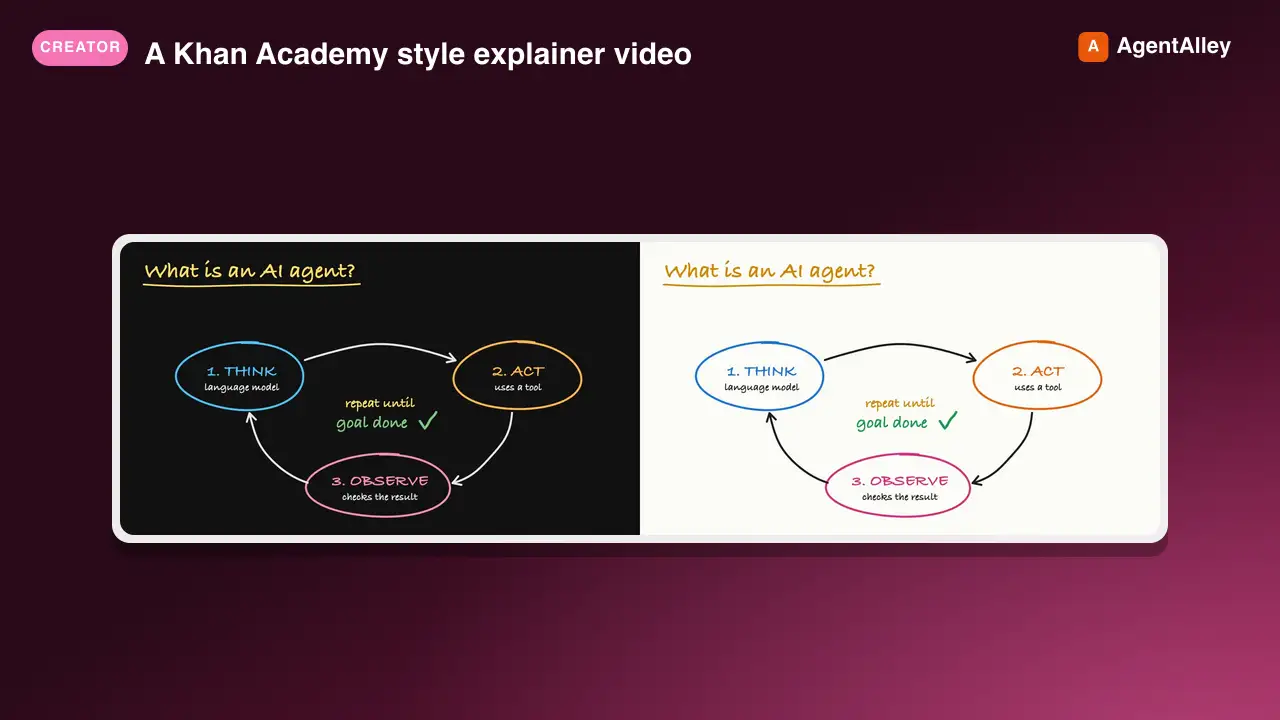
 haiderfarooq3/khan-explainer · by haiderfarooq3Use when the user wants a Khan Academy style explainer video, a blackboard or whiteboard lesson, a hand-drawn chalk-talk animation, a short narrated video that teaches a concept ("explain X in a video", "explainer video", "teach X in 30 seconds"), or a tutorial that draws hand-written arrows, circles and captions over product screenshots ("draw over the UI", "annotated walkthrough"), or clips cut from a YouTube video or podcast where the speaker's real audio plays under a blackboard drawn to it ("khanify this video", "clip this with the Khan visual"), especially when it must be free, local, and use no paid APIs or keys. macOS only.★ 113 GitHub stars
 SkillUnderstanding Ladder
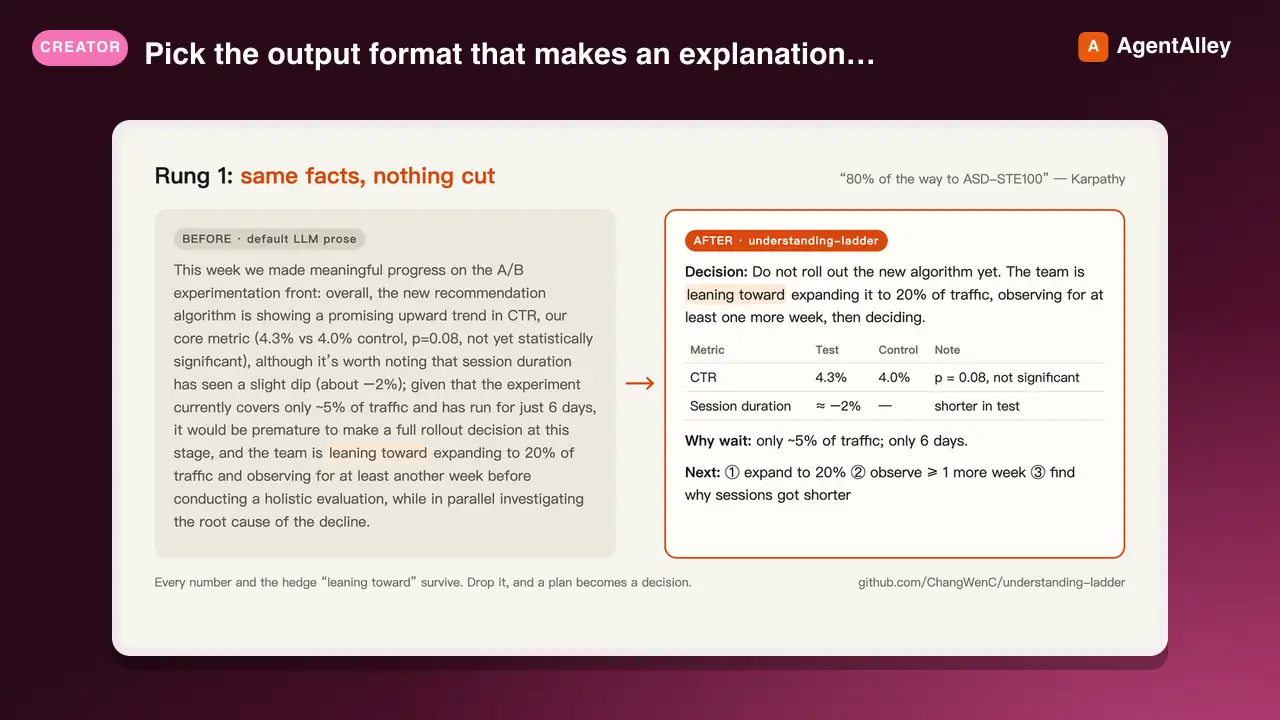
 ChangWenC/understanding-ladder · by ChangWenCPick the output format that makes an explanation easiest to understand, following Karpathy's understanding ladder — (1) plain controlled text, (2) diagram, (3) interactive HTML page, (4) 3Blue1Brown-style explainer video. Classify the content (definition/steps, process/causality, parameter→outcome, unfolding derivation), recommend the lowest rung that fully answers, then produce it. Works in English and Chinese. Use when the user says "explain this clearly", "help me understand", "draw a diagram", "make it interactive", "make an explainer video", "what's the best way to explain X", "understanding ladder", "Karpathy ladder", or 「讲清楚」「帮我理解」「画个图」「做个交互页」「做个讲解视频」「用哪种方式讲最好懂」「理解阶梯」; also when explaining a non-trivial concept, mechanism, algorithm, or an AI agent's output.★ 108 GitHub stars
 SkillA-Roll Animation Generator
 TheMattBerman/scrollclaw · by TheMattBermanAnimate first frames into A-roll talking head clips. Uses Sora 2 via fal.ai (primary) with Kling 3 auto-fallback when Sora is unavailable or sunset.★ 71 GitHub stars
More from microsoft
 AgentPlaywright Browser Automation MCP
 microsoft/playwright-mcp · by microsoftMicrosoft's browser automation server: your AI opens pages, clicks, fills forms and reads the page through the accessibility tree.★ 37.5k GitHub stars
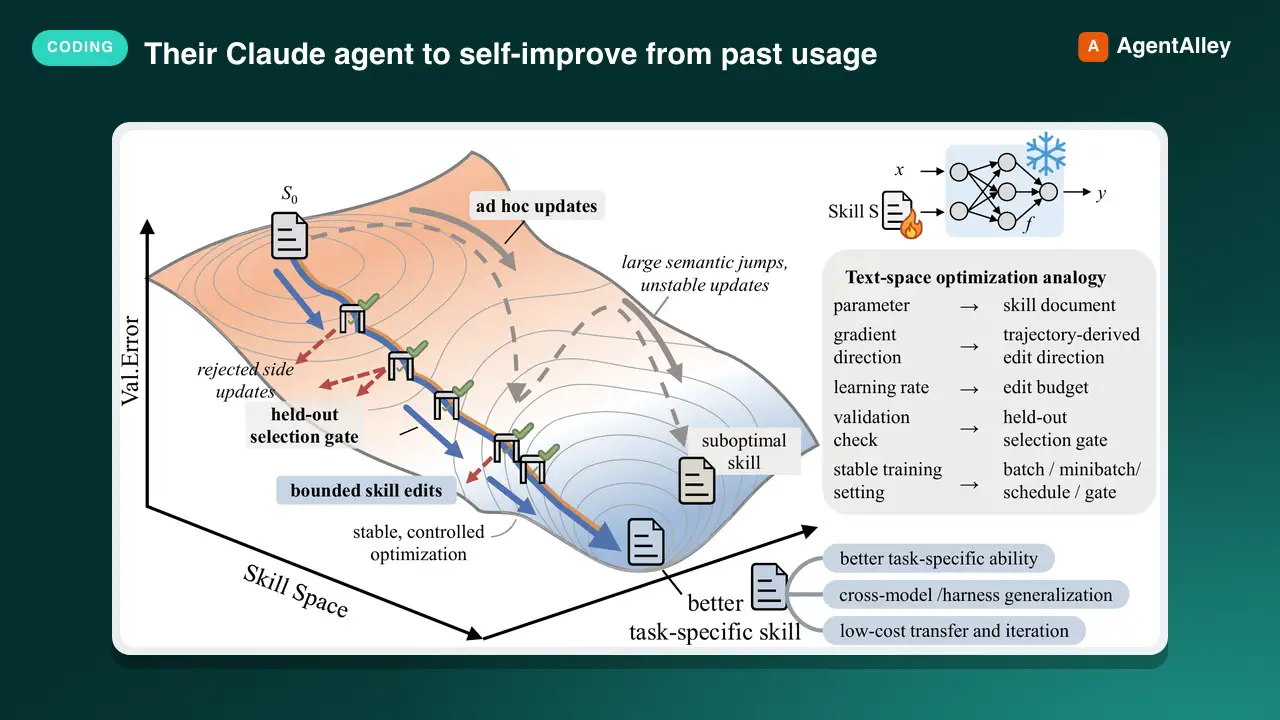 SkillUsage-Based Agent Trainermicrosoft/SkillOpt · by microsoftUse when the user wants their Claude agent to self-improve from past usage, asks about a nightly/offline 'sleep' or 'dream' cycle, memory/skill consolidation, or says things like 'make my agent better the more I use it', 'review my past sessions', 'learn my pr★ 17.3k GitHub stars
 SkillAzure App Deployermicrosoft/skills · by microsoftEnd-to-end orchestrator: from a business idea, app idea, or existing app to running Azure deployment with cost estimates and pre-deploy approval. Analyzes your app, auto-detects the right Azure services, scaffolds infrastructure code, and deploys — tailored to your app, not a template. Handles moving existing apps to Azure without rewriting or with minimal changes. WHEN: bring your app to Azure, plan my app, cost to run, is my code ready to deploy, deploy my app to the cloud, deploy all my services, what Azure services do I need, plan my Azure deployment, deploy my new app to Azure, one-click deploy, I have an app and want it on Azure, migrate my app to Azure, help me get started, build an app, no code yet, starter project. DO NOT USE FOR: use azd for deployment(use azure-deploy), optimizing existing costs (use cost-optimization), code readiness checks only (use azure-app-onboard-prereq).★ 3.1k GitHub stars
 SkillAzure Deployment Auditormicrosoft/skills · by microsoftAssess whether source code is ready to deploy to Azure — the check BEFORE infrastructure work. Evaluates build health, app completeness, dependencies and local services, stack compatibility, and deployment feasibility. Answers questions about what your app needs before it can be deployed — frameworks, dependencies, and configuration. Checks whether dependencies are compatible and identifies deployment blockers and unsupported frameworks. WHEN: "evaluate my repo", "is my app ready to deploy", "what does my app need to deploy", "what do I need before deploying", "does my app need", "can I ship this to Azure", "scan my repo for issues", "is this app deployable", "check if my app is ready for Azure", "do I need a Dockerfile", "what's blocking my deployment", "are there any blockers", "are my dependencies compatible", "does Azure support my framework", "what needs to change before deploying", "check my app configuration".★ 3.1k GitHub stars
 SkillAzure Security Auditormicrosoft/skills · by microsoftRun Azure compliance and security audits with azqr plus Key Vault expiration checks. Covers best-practice assessment, resource review, policy/compliance validation, and security posture checks. WHEN: compliance scan, security audit, BEFORE running azqr (compliance cli tool), Azure best practices, Key Vault expiration check, expired certificates, expiring secrets, orphaned resources, compliance assessment.★ 3.1k GitHub stars
 SkillAzure AI Gatewaymicrosoft/azure-skills · by microsoftConfigure Azure API Management as an AI Gateway for AI models, MCP tools, and agents. WHEN: semantic caching, token limit, content safety, load balancing, AI model governance, MCP rate limiting, jailbreak detection, add Azure OpenAI backend, add AI Foundry model, test AI gateway, LLM policies, configure AI backend, token metrics, AI cost control, convert API to MCP, import OpenAPI to gateway.★ 1.6k GitHub stars