Professional Case Study Builder
Case Study Builder Assistant
Creates professional case studies, engagement summaries, and project summaries.
---
name: case-study-builder
version: "1.0.0"
description: "Creates professional case studies, engagement summaries, and project summaries. Use when the user wants to create a 'case study,' 'client success story,' 'engagement summary,' 'project summary,' or 'portfolio piece.'"
---

# Case Study Builder Assistant

Generate structured case studies, engagement summaries, and project documentation using structured frameworks.

## When to Use

- User wants to create a case study or success story
- User needs to document a client engagement
- User mentions: case study, client story, engagement summary, project summary, portfolio, results documentation

## Output Types
Overview
Generate structured case studies, engagement summaries, and project documentation using structured frameworks.
What you get
- Company SummaryQuick company context
- Engagement SummaryChallenge, Solution, Results, Testimonial format
- Project SummaryObjective, Execution, Outcomes format
- Full Case StudyComprehensive client story
Manual install (npx, ZIP)
Claude Code
npx skills add realjaymes/marketingagentskills --skill case-study-builder -g -a claude-codeClaude Code (degit)
npx degit realjaymes/marketingagentskills/skills/case-study-builder#main ~/.claude/skills/case-study-builder-2Claude.ai / desktop
Codex, Cursor, other agents
Connects with Agent Alley MCP · agentalley.io/mcp
Files included
SKILL.md3.5 KB
Read SKILL.md here
SKILL.md
Show the full text130 lines
Case Study Builder Assistant
Generate structured case studies, engagement summaries, and project documentation using structured frameworks.
When to Use
- User wants to create a case study or success story
- User needs to document a client engagement
- User mentions: case study, client story, engagement summary, project summary, portfolio, results documentation
Output Types
- Company Summary: Quick company context
- Engagement Summary: Challenge, Solution, Results, Testimonial format
- Project Summary: Objective, Execution, Outcomes format
- Full Case Study: Comprehensive client story
Instructions
- Identify output type needed
- Collect inputs based on framework
- Generate structured output following templates
- Include quantitative results where available
Company Summary Framework
Format 1: Full Context
[Company name], [funding stage], [industry], [product category], [region], [website]
Example: Reform, Bootstrapped, MarTech, Lead Gen Form Builder SaaS, USA, www.reform.app
Format 2: Short
[Company Name] ([Business Model], [Product/Service Category])
Example: FunnelEnvy (B2B, Growth Marketing Service Provider)
Company Intro Template
[Company Name] is [Product/Service Category] for [persona + company type + industry + region] to [use case]
Engagement Summary Framework
## [Company Name] - Engagement Summary

**Challenge:**
[Brief summary of the primary problem the company faced]

**Solution:**
[Brief summary of the solutions implemented]

**Results:**
[One-liner about key improvements achieved]

**Testimonial:**
"[Customer quote]" - [Name], [Title], [Company]
Inputs Needed
- Company name and context
- Primary challenge/problem
- Solutions implemented
- Measurable results
- Client quote (or draft one)
Project Summary Framework
## [Project Title]

**Objective:**
[1-2 lines, 15-30 words: short statement of goal]

**Execution:**
- [Tool/method/framework 1]
- [Tool/method/framework 2]
- [Tool/method/framework 3]

**Outcomes:**
- [Quantitative/qualitative impact 1]
- [Quantitative/qualitative impact 2]
Guidelines
- Objective: 1-2 lines, 15-30 words
- Execution: 3-6 bullets, 15-25 words each
- Outcomes: 2-3 bullets, 15-25 words each
Full Case Study Structure
- Company Context: Name, stage, industry, product, region
- Challenge: What problem they faced, why they engaged
- Solution: What was implemented, how it worked
- Execution Details: Specific actions, tools, methods
- Results: Quantitative metrics + qualitative improvements
- Testimonial: Client quote with attribution
- Key Takeaways: Learnings or recommendations
Output Format
Generate as Markdown with:
- Clear section headers
- Bold labels (Challenge:, Solution:, etc.)
- Bullet points for execution and outcomes
- Quoted testimonials with attribution
- Specific metrics where available
Constraints
- Include specific numbers/percentages where available
- Use active voice
- Keep summaries concise
- Include testimonial or draft one labeled as [DRAFT]
- Avoid vague claims without supporting metrics
Reference
See references/case-study-examples.md for complete examples.
| 1 | |
| 2 | name case-study-builder |
| 3 | version "1.0.0" |
| 4 | description "Creates professional case studies, engagement summaries, and project summaries. Use when the user wants to create a 'case study,' 'client success story,' 'engagement summary,' 'project summary,' or 'portfolio piece.'" |
| 5 | |
| 6 | |
| 7 | # Case Study Builder Assistant |
| 8 | |
| 9 | Generate structured case studies, engagement summaries, and project documentation using structured frameworks. |
| 10 | |
| 11 | ## When to Use |
| 12 | |
| 13 | User wants to create a case study or success story |
| 14 | User needs to document a client engagement |
| 15 | User mentions: case study, client story, engagement summary, project summary, portfolio, results documentation |
| 16 | |
| 17 | ## Output Types |
| 18 | |
| 19 | **Company Summary**: Quick company context |
| 20 | **Engagement Summary**: Challenge, Solution, Results, Testimonial format |
| 21 | **Project Summary**: Objective, Execution, Outcomes format |
| 22 | **Full Case Study**: Comprehensive client story |
| 23 | |
| 24 | ## Instructions |
| 25 | |
| 26 | **Identify output type** needed |
| 27 | **Collect inputs** based on framework |
| 28 | **Generate structured output** following templates |
| 29 | **Include quantitative results** where available |
| 30 | |
| 31 | ## Company Summary Framework |
| 32 | |
| 33 | ### Format 1: Full Context |
| 34 | |
| 35 | [Company name], [funding stage], [industry], [product category], [region], [website] |
| 36 | |
| 37 | |
| 38 | Example: Reform, Bootstrapped, MarTech, Lead Gen Form Builder SaaS, USA, www.reform.app |
| 39 | |
| 40 | ### Format 2: Short |
| 41 | |
| 42 | [Company Name] ([Business Model], [Product/Service Category]) |
| 43 | |
| 44 | |
| 45 | Example: FunnelEnvy (B2B, Growth Marketing Service Provider) |
| 46 | |
| 47 | ### Company Intro Template |
| 48 | |
| 49 | [Company Name] is [Product/Service Category] for [persona + company type + industry + region] to [use case] |
| 50 | |
| 51 | |
| 52 | ## Engagement Summary Framework |
| 53 | |
| 54 | |
| 55 | ## [Company Name] - Engagement Summary |
| 56 | |
| 57 | **Challenge:** |
| 58 | [Brief summary of the primary problem the company faced] |
| 59 | |
| 60 | **Solution:** |
| 61 | [Brief summary of the solutions implemented] |
| 62 | |
| 63 | **Results:** |
| 64 | [One-liner about key improvements achieved] |
| 65 | |
| 66 | **Testimonial:** |
| 67 | "[Customer quote]" - [Name], [Title], [Company] |
| 68 | |
| 69 | |
| 70 | ### Inputs Needed |
| 71 | Company name and context |
| 72 | Primary challenge/problem |
| 73 | Solutions implemented |
| 74 | Measurable results |
| 75 | Client quote (or draft one) |
| 76 | |
| 77 | ## Project Summary Framework |
| 78 | |
| 79 | |
| 80 | ## [Project Title] |
| 81 | |
| 82 | **Objective:** |
| 83 | [1-2 lines, 15-30 words: short statement of goal] |
| 84 | |
| 85 | **Execution:** |
| 86 | - [Tool/method/framework 1] |
| 87 | - [Tool/method/framework 2] |
| 88 | - [Tool/method/framework 3] |
| 89 | |
| 90 | **Outcomes:** |
| 91 | - [Quantitative/qualitative impact 1] |
| 92 | - [Quantitative/qualitative impact 2] |
| 93 | |
| 94 | |
| 95 | ### Guidelines |
| 96 | Objective: 1-2 lines, 15-30 words |
| 97 | Execution: 3-6 bullets, 15-25 words each |
| 98 | Outcomes: 2-3 bullets, 15-25 words each |
| 99 | |
| 100 | ## Full Case Study Structure |
| 101 | |
| 102 | **Company Context**: Name, stage, industry, product, region |
| 103 | **Challenge**: What problem they faced, why they engaged |
| 104 | **Solution**: What was implemented, how it worked |
| 105 | **Execution Details**: Specific actions, tools, methods |
| 106 | **Results**: Quantitative metrics + qualitative improvements |
| 107 | **Testimonial**: Client quote with attribution |
| 108 | **Key Takeaways**: Learnings or recommendations |
| 109 | |
| 110 | ## Output Format |
| 111 | |
| 112 | Generate as Markdown with: |
| 113 | Clear section headers |
| 114 | Bold labels (Challenge:, Solution:, etc.) |
| 115 | Bullet points for execution and outcomes |
| 116 | Quoted testimonials with attribution |
| 117 | Specific metrics where available |
| 118 | |
| 119 | ## Constraints |
| 120 | |
| 121 | Include specific numbers/percentages where available |
| 122 | Use active voice |
| 123 | Keep summaries concise |
| 124 | Include testimonial or draft one labeled as [DRAFT] |
| 125 | Avoid vague claims without supporting metrics |
| 126 | |
| 127 | ## Reference |
| 128 | |
| 129 | See `references/case-study-examples.md` for complete examples. |
| 130 |
Details
- Version
- 1.0.0
- License
- MIT
- Stars on the repo
- ★ 65
- Checked
- Source
- realjaymes/marketingagentskills ↗
- Creator
- realjaymes · 21 listings
Similar skills
See all → SkillAphorism Library Manager
 danielmiessler/LifeOS · by danielmiesslerCurated aphorism collection with CRUD — content-based matching, themed search, thinker research, DB maintenance. Quotes organized by author/theme/context/usage to prevent repetition. Four workflows: FindAphorism, AddAphorism, ResearchThinker, SearchAphorisms. Themes: Stoicism, Wisdom, Truth-seeking, Excellence, Resilience, Curiosity. USE WHEN aphorism, quote, find a quote, research thinker, add aphorism, quote for newsletter, what did X say about, quote bank. NOT FOR creative writing or social posts.★ 19.3k GitHub stars
 SkillCommercial Deal Negotiator
 cbrock84/headcount · by cbrock84Negotiates a commercial deal without giving away the terms that matter — preparing your walk-away and theirs, trading concessions rather than conceding them, recognizing the tactics that create false urgency, protecting price by moving other variables, and closing on terms someone can actually deliver. Use this to prepare for a negotiation, respond to a demand mid-deal, work out why discounts keep landing at quarter end, or review terms before they are signed.★ 2k GitHub stars
 SkillNegotiation & Influence
 samber/cc-skills · by samberInfluence and negotiation toolkit for any interaction needing another person's agreement, even when the user never says 'negotiation'. Covers B2B sales, salary reviews and raise asks, collective bargaining and unions, hard 1:1s, recruitment closes, cross-cultural deals, mediation, and diplomatic messages — declining, pushing back on scope, justifying a delay, raising a concern, getting alignment. Use when the user says 'they just said X, what do I say' or 'draft a reply', or mentions a buyer, champion, procurement, RFP, sponsor, HR, union, or candidate, or a pushback, refusal, ghosting, no-decision, escalation, fixed budget, counter-offer, comp band, strike, BATNA, anchor, or concession.★ 222 GitHub stars
 SkillUnslop Design Review
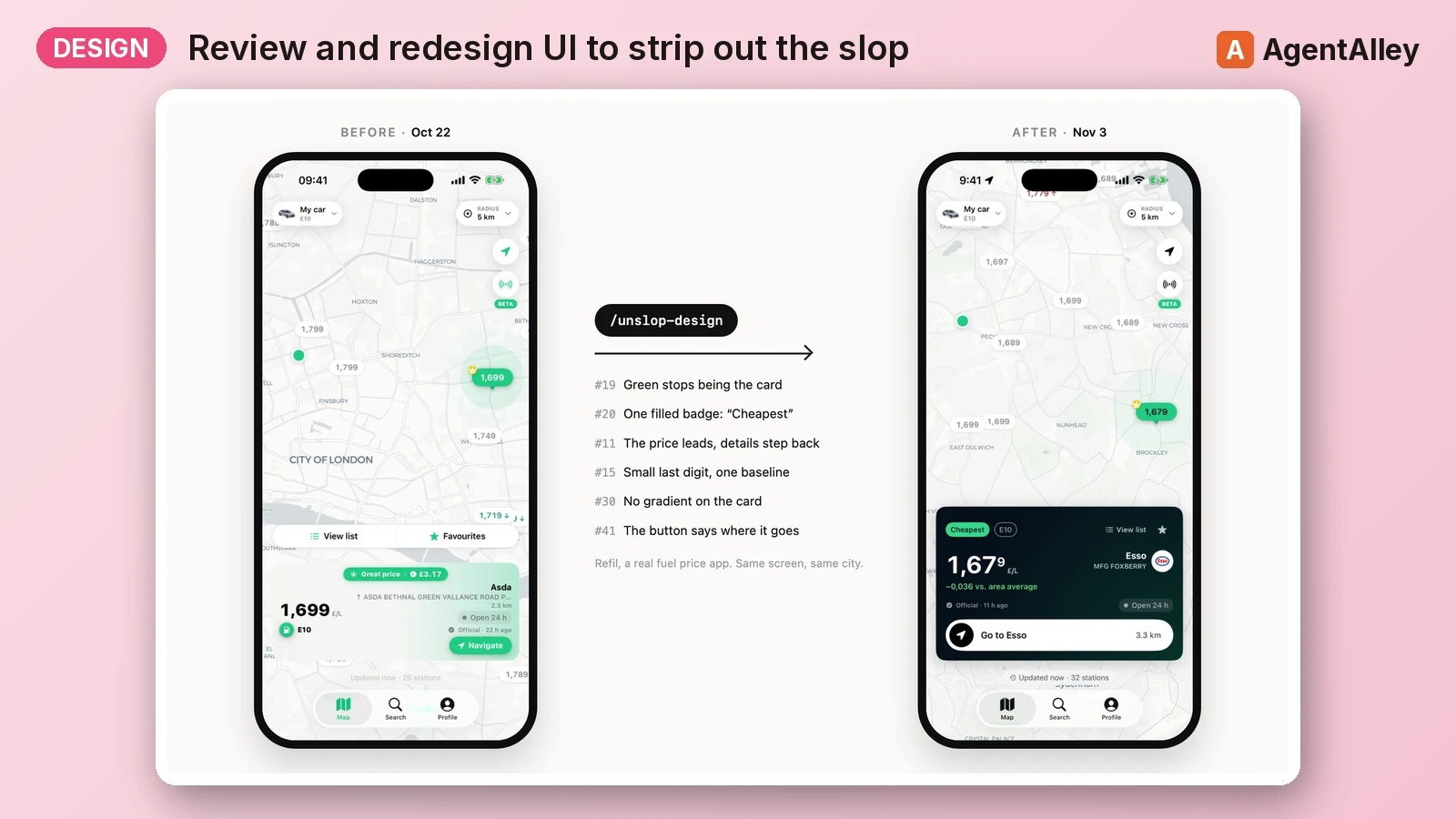
 marcosnovo/unslop-design · by marcosnovoReview and redesign an app or website UI to strip out the "slop" (decorative accent color, gradients, glows, noisy badges, emoji as icons, eyeballed spacing, greetings as titles, Title Case, flat hierarchy, repeated numbers) with a system (spacing, type, color roles, elevation) and two modes: a quick five-fix pass for one screen, or an orchestrated process for a whole app (parallel reviewers, a published winning proposal, devs per area, audits, PR). Covers SwiftUI, Compose and web (dashboards, landing pages, Tailwind), with scripts that scan the code, measure the rendered page and score it from 0 to 100. Use it when asked to "review the design", "make it look less AI", "unslop", "polish this screen", "design review", "winning proposal", "audit this dashboard", or when given videos or screenshots of an app or site asking for feedback or a redesign. Also use it to start a design system (spacing, type, palette, shadow scales) or to audit tokens, contrast or consistency across screens.★ 14 GitHub stars
 SkillYouTube to Case Study Converter
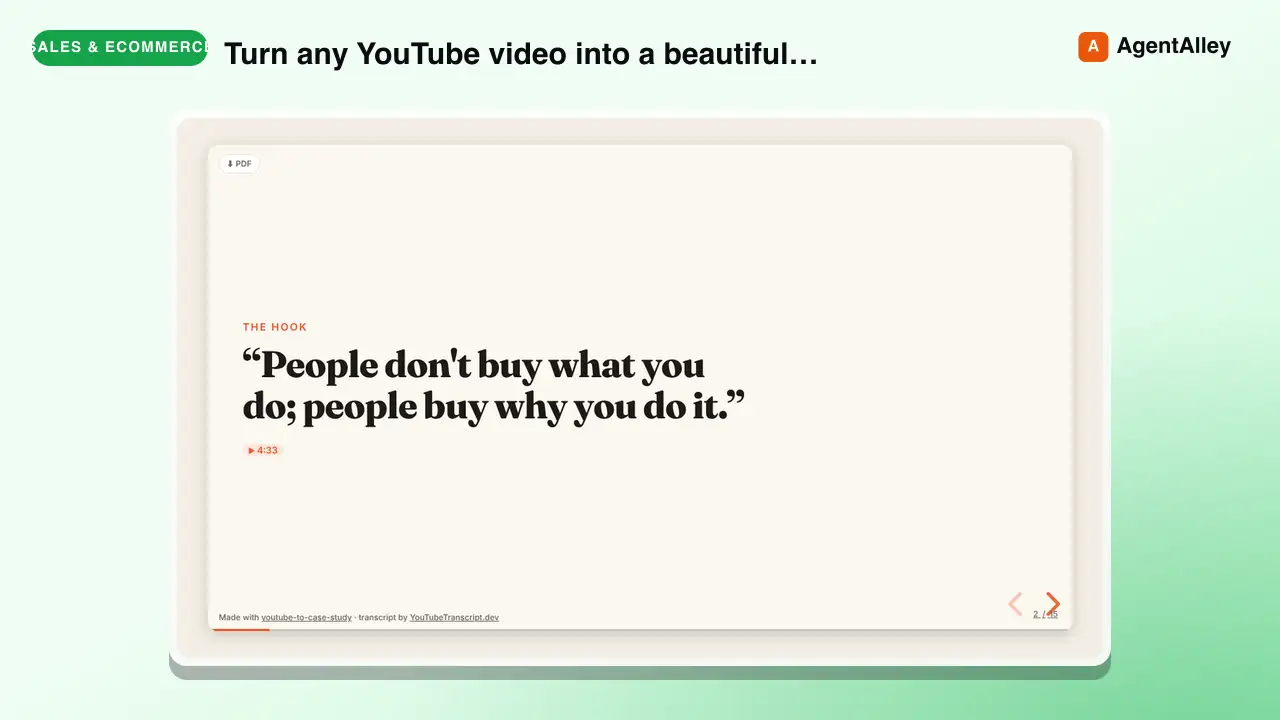
 tstfully/youtube-to-case-study · by tstfullyTurn any YouTube video (founder interview, product teardown, conference talk, marketing breakdown, UX walkthrough, podcast) into a beautiful case-study slideshow: one HTML file that opens in any browser, built on reveal.js, with speaker notes and every fact linked to the exact second in the video. Use this skill whenever someone wants a case study, business case study, marketing case study, UX case study, product teardown, growth teardown, competitor breakdown, swipe file, lesson deck, or presentation / slides / deck from a YouTube video or link. Also trigger on 'turn this video into a case study', 'make slides from this YouTube video', 'case study from this talk', 'teardown of this video', 'youtube to slides', 'youtube to presentation', or 'summarize this video as a deck'. Works for marketers, educators, product managers, students, and consultants; no coding needed.★ 3 GitHub stars
 SkillSales Materials Generator
 coreyhaines31/marketingskills · by coreyhaines31Tell us what you sell and who buys it; get back a pitch outline, a one-page leave-behind, and ready answers to the objections you hear most.★ 51.1k GitHub stars
More from realjaymes
 SkillAI Video Image Generator
 realjaymes/marketingagentskills · by realjaymesWhen the user wants to create AI-generated video or image content: a faceless influencer or persona, an AI clone or talking head, AI ad creative and AI UGC, a faceless YouTube channel, a product or launch video with motion graphics (with an AI voice or none), or a sharp edit of their own recording (including a Hormozi-style edit). Also use when the user wants to copy a creator's editing style or a brand's motion style, tear down a reference video, or mentions 'faceless,' 'AI avatar,' 'AI UGC,' 'talking head,' 'clone myself,' 'AI video ad,' 'launch video,' 'motion graphics,' 'video edit,' 'reference teardown,' or tools like Veo, Gemini Omni, Google Flow, Kling, Seedance, Runway, ElevenLabs, HeyGen, Arcads, Nano Banana, Midjourney, Ideogram, Remotion or Whisper. Runs one six-step, reference-first workflow with two approval points, and routes to a playbook per use case. For paid-ad strategy and targeting, see performance-marketing or paid-ads; for Remotion code, it calls remotion.★ 65 GitHub stars
 SkillAI Writing Humanizerrealjaymes/marketingagentskills · by realjaymesDetects AI-written text, scores it against a detection rubric, provides line-by-line edit recommendations, and rewrites content to sound genuinely human. Use when the user asks to 'humanize' text, detect AI writing, remove 'AI voice,' make copy 'less robotic,' pass AI detection tools, or rewrite content to 'sound human.'★ 65 GitHub stars
 SkillClay GTM Assistantrealjaymes/marketingagentskills · by realjaymesDesigns and optimizes Clay-powered GTM workflows for prospecting, signal detection, outbound email sequences, enrichment pipelines, and account-based marketing. Use when the user mentions 'Clay,' 'GTM engineering,' 'prospecting,' 'signal detection,' 'enrichment,' 'Claygent,' 'outbound automation,' or wants to build Clay tables or integrate with sequencing tools like Lemlist, Smartlead, or Instantly.★ 65 GitHub stars
 SkillCopy Template Extractorrealjaymes/marketingagentskills · by realjaymesReverse-engineers copy into reusable templates. Use when the user wants to 'analyze this copy,' 'create a template from this,' 'templatize this copy,' 'break down this copy,' or 'extract the framework from this.'★ 65 GitHub stars
 SkillCustomer Segmentationrealjaymes/marketingagentskills · by realjaymesCreates customer and user segment documents. Use when the user wants to 'segment customers,' 'customer segments,' 'user segments,' 'lifecycle segments,' or 'audience segmentation.'★ 65 GitHub stars
 SkillEmail Domain Health Checkerrealjaymes/marketingagentskills · by realjaymesWhen the user wants to check email deliverability posture, domain authentication, or sending reputation for a domain. Use when the user mentions "domain health," "inbox health," "deliverability," "SPF," "DKIM," "DMARC," "email authentication," "are my emails landing in spam," "can I send from this domain," "is my domain spoofable," "warm up a domain," "check this sending domain," "DMARC rollout," "p=quarantine," "p=reject," "blacklisted," or "email going to spam." Also use before starting cold outbound from any domain, and to score prospect domains for deliverability gaps worth opening a cold email with. For writing the outbound emails themselves, see cold-email. For building the prospect list, see clay-gtm-outbound.★ 65 GitHub stars