YouTube Video Scriptwriter
Yt script
Write a YouTube video script from a raw idea - hook options off 21 formulas, scored, then the full spoken script with the retention beats marked. Use whenever the user wants a video script, a hook, an opening line, "what should I say",…
---
name: yt-script
description: >-
  Write a YouTube video script from a raw idea - hook options off 21
  formulas, scored, then the full spoken script with the retention beats
  marked. Use whenever the user wants a video script, a hook, an opening
  line, "what should I say", "write my next video", or is about to record
  and does not have the first fifteen seconds yet.
---

# yt-script

One idea into a script somebody finishes.

Two tools live in this folder and both actually run. Use them. Do not eyeball the hook.

```bash
python3 hookscore.py hooks.txt              # rank your hook options
Overview
Two tools live in this folder and both actually run. Use them. Do not eyeball the hook.
Manual install (npx, ZIP)
npx skills add Jakeschincariol/youtube-agent-skill --skill yt-script -g -a claude-codenpx degit Jakeschincariol/youtube-agent-skill/skills/yt-script#main ~/.claude/skills/yt-scriptConnects with Agent Alley MCP · agentalley.io/mcp
Files included
SKILL.md2.6 KB
Read SKILL.md here
Show the full text59 lines
yt-script
One idea into a script somebody finishes.
Two tools live in this folder and both actually run. Use them. Do not eyeball the hook.
python3 hookscore.py hooks.txt              # rank your hook options
python3 hookscore.py --hook "one line"      # score a single one
Before you write
- Read
~/.claude/youtube/voice.mdif it exists. That is the user's voice profile: how they talk on camera, the words they never use, who they are talking to, what they will not claim. If it does not exist, ask for three of their own videos, read or transcribe them, infer the voice, and write the file. A script in the wrong voice is worse than no script, because they have to read it out loud. - Never invent a number, a result or a source. If a figure would strengthen it and you do not have one, ask for it or write the line without it.
The shape
The first 15 seconds is the whole job. It does three things or the video leaks: confirm the click the title promised, open a question the viewer cannot close, and prove the payoff exists.
- Hook. Write FIVE against the 21 formulas, run them through
hookscore.py, keep the top two, and show the user both with their scores. Never hand over one hook. - The turn (0:15-0:45). Say what the video is going to do, in one sentence, and start doing it. No channel intro, no "before we get started", no subscribe pitch. Those are the single most common cause of the 0:30 cliff.
- The body. One idea per beat. Mark each beat with what is ON SCREEN, not just what is said - a talking head with nothing to look at is a podcast.
- The payoff. Deliver the thing the hook promised, explicitly, and say that you are delivering it: "that is the prompt, it is in the description".
- The close. One ask. Not three.
What to hand back
- the two best hooks with their scored panels
- the script, beat by beat, with
[ON SCREEN: ...]on every beat - the runtime estimate at 150 words per minute
- one line naming which formula the winning hook used and why it fits this idea
The gate
Nothing here publishes. This skill writes and you publish. Every output ends in a block the user copies, and the last line of every run is the question: ship it, or change it?
| 1 | |
| 2 | name yt-script |
| 3 | description >- |
| 4 | Write a YouTube video script from a raw idea - hook options off 21 |
| 5 | formulas, scored, then the full spoken script with the retention beats |
| 6 | marked. Use whenever the user wants a video script, a hook, an opening |
| 7 | line, "what should I say", "write my next video", or is about to record |
| 8 | and does not have the first fifteen seconds yet. |
| 9 | |
| 10 | |
| 11 | # yt-script |
| 12 | |
| 13 | One idea into a script somebody finishes. |
| 14 | |
| 15 | Two tools live in this folder and both actually run. Use them. Do not eyeball the hook. |
| 16 | |
| 17 | |
| 18 | python3 hookscore.py hooks.txt # rank your hook options |
| 19 | python3 hookscore.py --hook "one line" # score a single one |
| 20 | |
| 21 | |
| 22 | ## Before you write |
| 23 | |
| 24 | Read `~/.claude/youtube/voice.md` if it exists. That is the user's voice profile: how they talk |
| 25 | on camera, the words they never use, who they are talking to, what they will not claim. If it |
| 26 | does not exist, ask for **three of their own videos**, read or transcribe them, infer the voice, |
| 27 | and write the file. A script in the wrong voice is worse than no script, because they have to |
| 28 | read it out loud. |
| 29 | Never invent a number, a result or a source. If a figure would strengthen it and you do not have |
| 30 | one, ask for it or write the line without it. |
| 31 | |
| 32 | ## The shape |
| 33 | |
| 34 | **The first 15 seconds is the whole job.** It does three things or the video leaks: confirm the |
| 35 | click the title promised, open a question the viewer cannot close, and prove the payoff exists. |
| 36 | |
| 37 | **Hook.** Write FIVE against [the 21 formulas], run them through `hookscore.py`, |
| 38 | keep the top two, and show the user both with their scores. Never hand over one hook. |
| 39 | **The turn** (0:15-0:45). Say what the video is going to do, in one sentence, and start doing it. |
| 40 | No channel intro, no "before we get started", no subscribe pitch. Those are the single most |
| 41 | common cause of the 0:30 cliff. |
| 42 | **The body.** One idea per beat. Mark each beat with what is ON SCREEN, not just what is said - |
| 43 | a talking head with nothing to look at is a podcast. |
| 44 | **The payoff.** Deliver the thing the hook promised, explicitly, and say that you are delivering |
| 45 | it: "that is the prompt, it is in the description". |
| 46 | **The close.** One ask. Not three. |
| 47 | |
| 48 | ## What to hand back |
| 49 | |
| 50 | the two best hooks with their scored panels |
| 51 | the script, beat by beat, with `[ON SCREEN: ...]` on every beat |
| 52 | the runtime estimate at 150 words per minute |
| 53 | one line naming which formula the winning hook used and why it fits this idea |
| 54 | |
| 55 | ## The gate |
| 56 | |
| 57 | Nothing here publishes. This skill writes and you publish. Every output ends in a block the user |
| 58 | copies, and the last line of every run is the question: **ship it, or change it?** |
| 59 |
Details
- License
- MIT
- Stars on the repo
- ★ 1,136
- Checked
- Source
- Jakeschincariol/youtube-agent-skill ↗
- Creator
- Jakeschincariol · 34 listings
Similar skills
See all →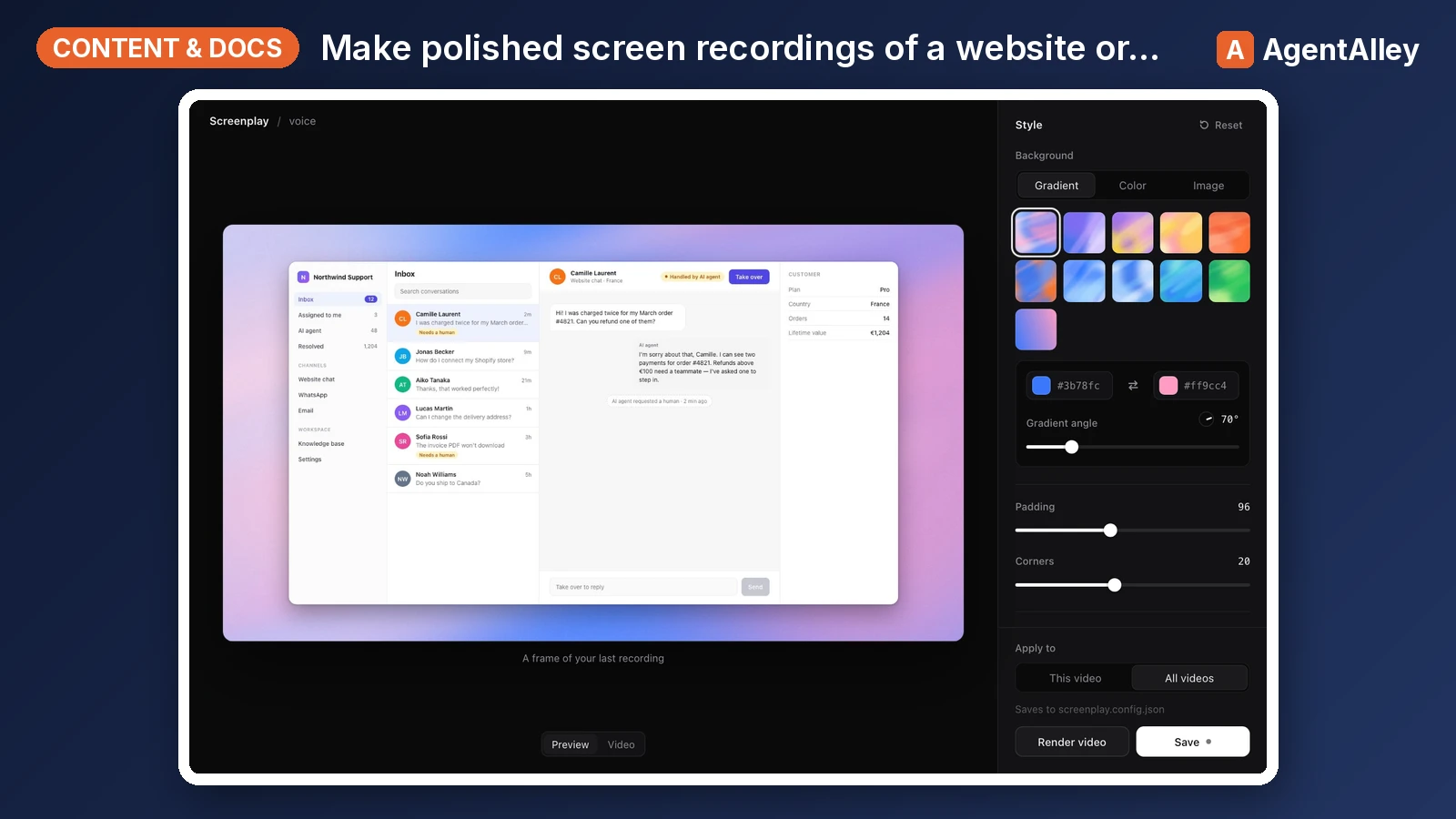 SkillPolished Screen Recorder
 gmpetrov/agent-screenplay · by gmpetrovMake polished screen recordings of a website or desktop app (feature demos, walkthroughs, explainer videos with voice-over) with Screenplay. Use when asked to record, film, demo or show a feature in a video, or to make an explainer or walkthrough video of an app.★ 67 GitHub stars
 SkillScreenplay Writer
 Deupaxx/EveryDay-Writer · by DeupaxxWrite screenplays and scripts for film, television, YouTube, video essays, documentaries, sketches, and short-form social video. Use for scripted scenes, screenplay formatting, audience-retention scripting, and format-specific revision. Enforces format discipline, visual writing standards, and the EW anti-AI rules.★ 32 GitHub stars
 SkillYouTube Retention Script Writer
 mohitagw15856/pm-claude-skills · by mohitagw15856Write a high-retention YouTube script — explainer, tutorial, video essay, review, or talking head — on the packaging then cold-open then value-stack then retention structure that holds watch time past the drop-off cliffs. Use when asked to write a YouTube script, script a long-form or explainer video, draft a video hook, outline a video essay, or turn a blog post or talk into a video. Produces title and thumbnail concepts, multiple hook options, a beat-by-beat body with retention devices, and clear visual and audio cues.★ 1.4k GitHub stars
 SkillVideo Script Writer
 indranilbanerjee/digital-marketing-pro · by indranilbanerjeeWrite a video script: hooks, timestamped dialogue, visual cues. Title/thumbnail → video-packaging. "write a YouTube script about X"★ 866 GitHub stars
 SkillDM Flow Script Writer
 Ootto-AI/claude-content-skills · by Ootto-AIWrites the DM flow that turns an inbound comment or lead-magnet request into a booked call or a sale. Use when the user says "write my DM script", "what do I send after they comment", "DM flow", "turn DMs into calls".★ 139 GitHub stars
 SkillYouTube Talking Point Writer
 naveedharri/benai-skills · by naveedharriCreate a video script or structured bullet points for filming, based on the video outline. Supports full scripts, teleprompter-ready text, or talking-point bullet lists depending on Ben's preference for each video. USE THIS SKILL WHEN: - User wants to write the script for a video - User says "script this", "write the script", "talking points - User mentions "video script", "filming notes", "teleprompter - User has an outline and wants to prepare for filming TRIGGERS: "script", "video script", "write the script", "talking points", filming notes", "scripting", "teleprompter", "bullet points for filming★ 65 GitHub stars
More from Jakeschincariol
 SkillIG Story Writer
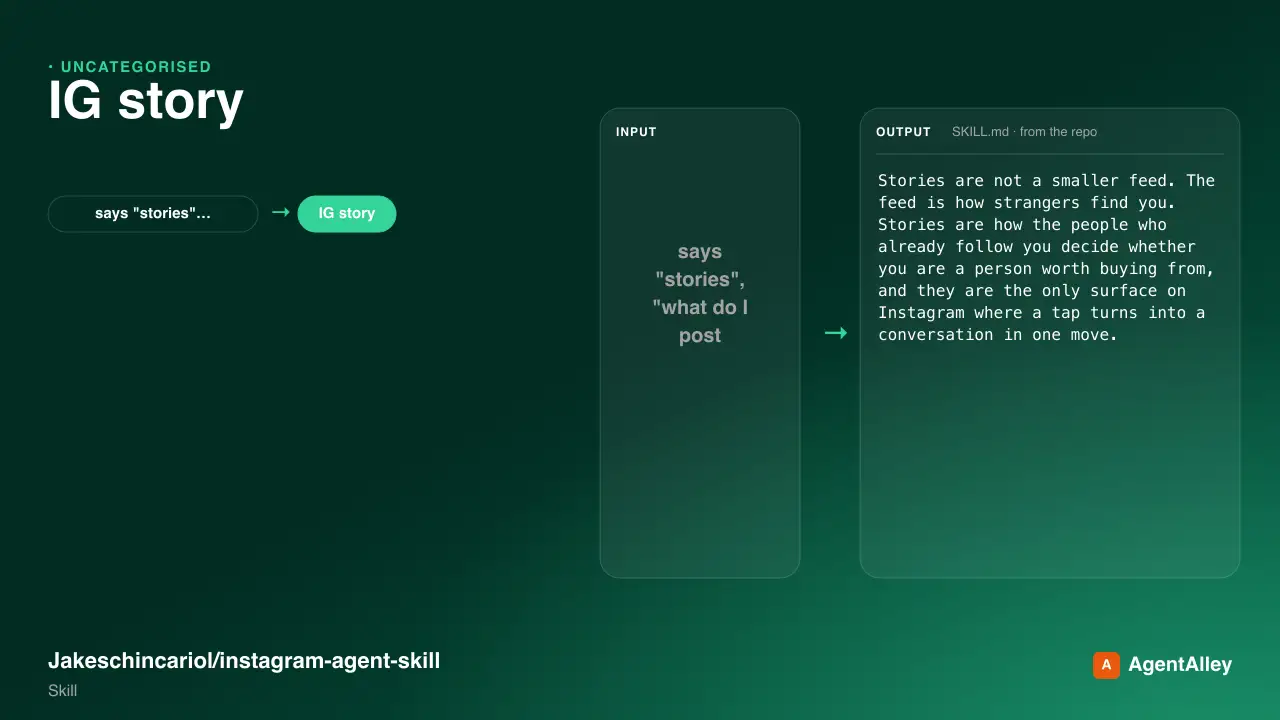
 Jakeschincariol/instagram-agent-skill · by JakeschincariolWrite the day's Instagram Stories - the frame-by-frame sequence, which stickers to use where, and the one that moves people into the DMs. Use when the user says "stories", "what do I post on my story", "story sequence", poll idea", "I have nothing to story about", or wants to sell something without making a post about it.★ 6k GitHub stars
 SkillLinkedIn Post AuditJakeschincariol/linkedin-agent-skill · by JakeschincariolPost-mortem on what the user has already published - which posts actually worked, why, and what to stop doing. Use when the user pastes their LinkedIn analytics or past posts and asks "what's working", "why did this flop", "read my analytics", "audit my content", or wants to know what to double down on.★ 1.9k GitHub stars
 SkillLinkedIn Carousel BuilderJakeschincariol/linkedin-agent-skill · by JakeschincariolBuild a LinkedIn document post (carousel) - slide-by-slide copy, the cover that earns the swipe, and the PDF to upload. Use when the user says carousel", "document post", "slides for LinkedIn", "turn this into a carousel", or has a list-shaped idea that would die as a text post.★ 1.9k GitHub stars
 SkillLinkedIn Comment WriterJakeschincariol/linkedin-agent-skill · by JakeschincariolWrite comments on other people's LinkedIn posts that read as a person with an opinion, not a bot. Use when the user pastes a post and wants a comment, says comment on this", "engage with this", "what do I say here", or wants a batch of comments for their engagement round.★ 1.9k GitHub stars
 SkillYouTube Channel AuditorJakeschincariol/youtube-agent-skill · by JakeschincariolAudit a YouTube channel end to end - packaging, consistency, the first fifteen seconds, and what to fix first. Use for "audit my channel", "why isn't my channel growing", "review my videos", or a pasted channel URL.★ 1.1k GitHub stars
 SkillYouTube Chapter WriterJakeschincariol/youtube-agent-skill · by JakeschincariolWrite YouTube chapters from a transcript, validated against YouTube's own rules so they actually render. Use for "add chapters", "timestamps", break this video into sections".★ 1.1k GitHub stars